
This guide helps Jira administrators migrate from Data Center/Server to the Kanban Combined WIP for Jira Cloud.
Step 1 — App Configuration Migration
There is no automatic migration path from Server/Data Center to Cloud for this app. The app relies on the board configuration to work, and this configuration should be migrated along with the project itself.
User preferences: Not migrated; each user must reconfigure their settings on first use in Cloud.
Step 2 — Install the Cloud App
-
Open the Jira Cloud site as an organization/site admin.
-
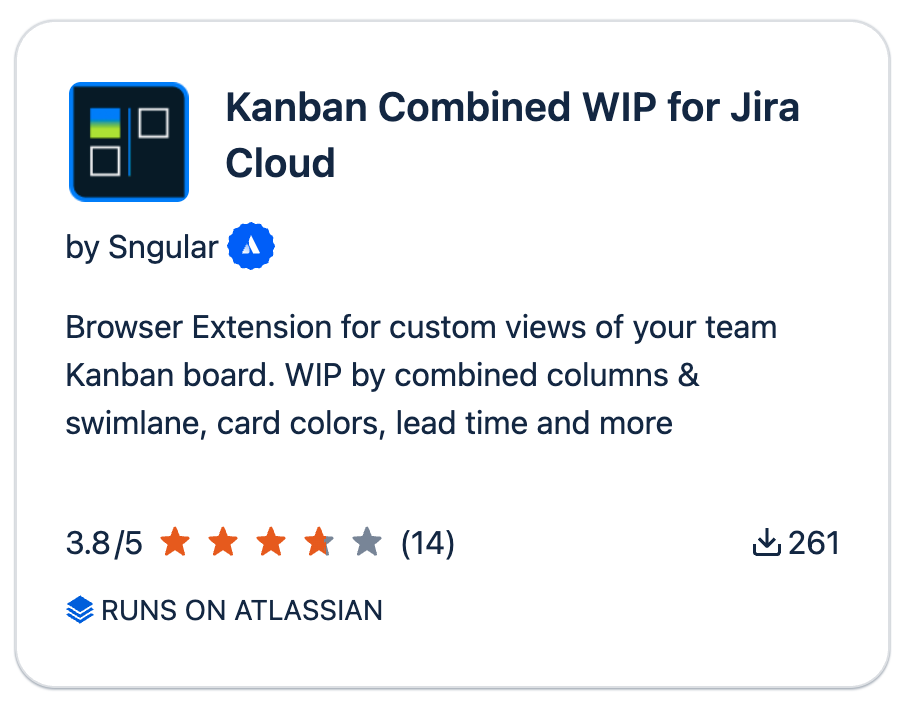
Go to Atlassian Marketplace and install https://marketplace.atlassian.com/apps/1215516/kanban-combined-wip-for-jira-cloud on your Jira Cloud site.
Step 3 — Install the Required Browser Extension
To render colors in the Jira Cloud UI, users must install the New Status Colors Pro browser extension for their browser:
Tip: Distribute these links to all Jira users who need to see colored statuses. Admins may also deploy the extension centrally, where supported
Support
For help planning or validating your migration, contact our support team with details about your current board setup and desired Cloud configuration.