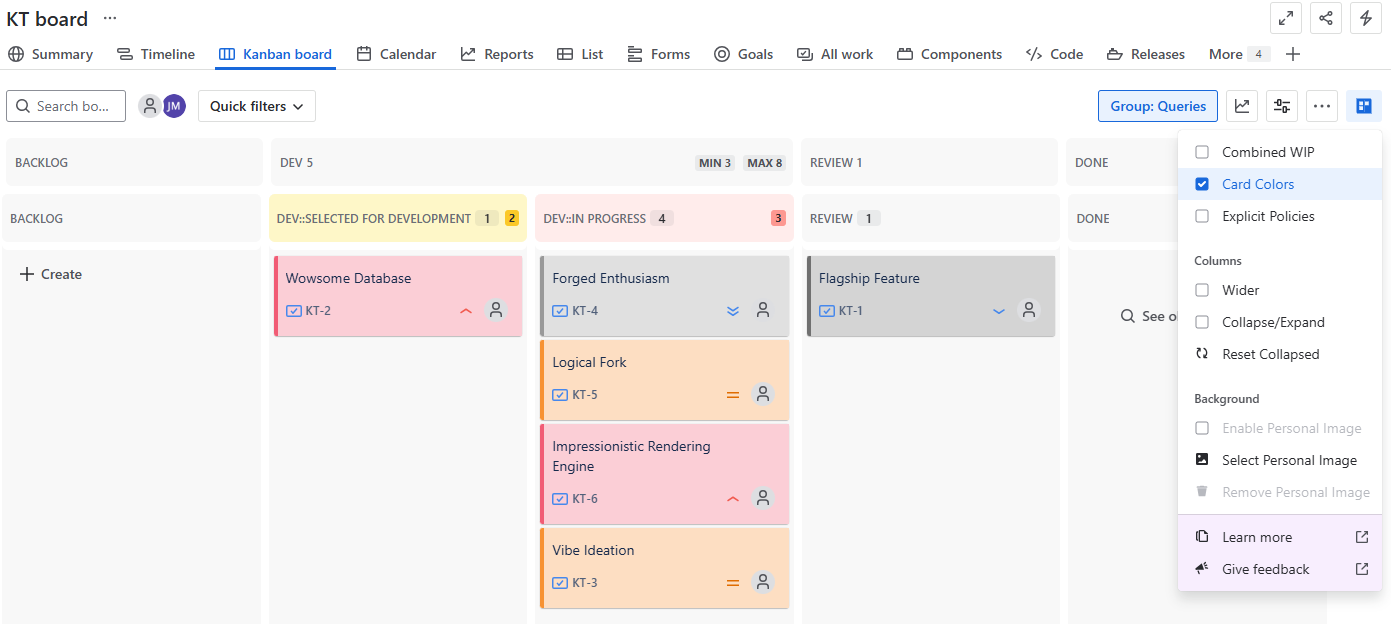
Full-color Cards
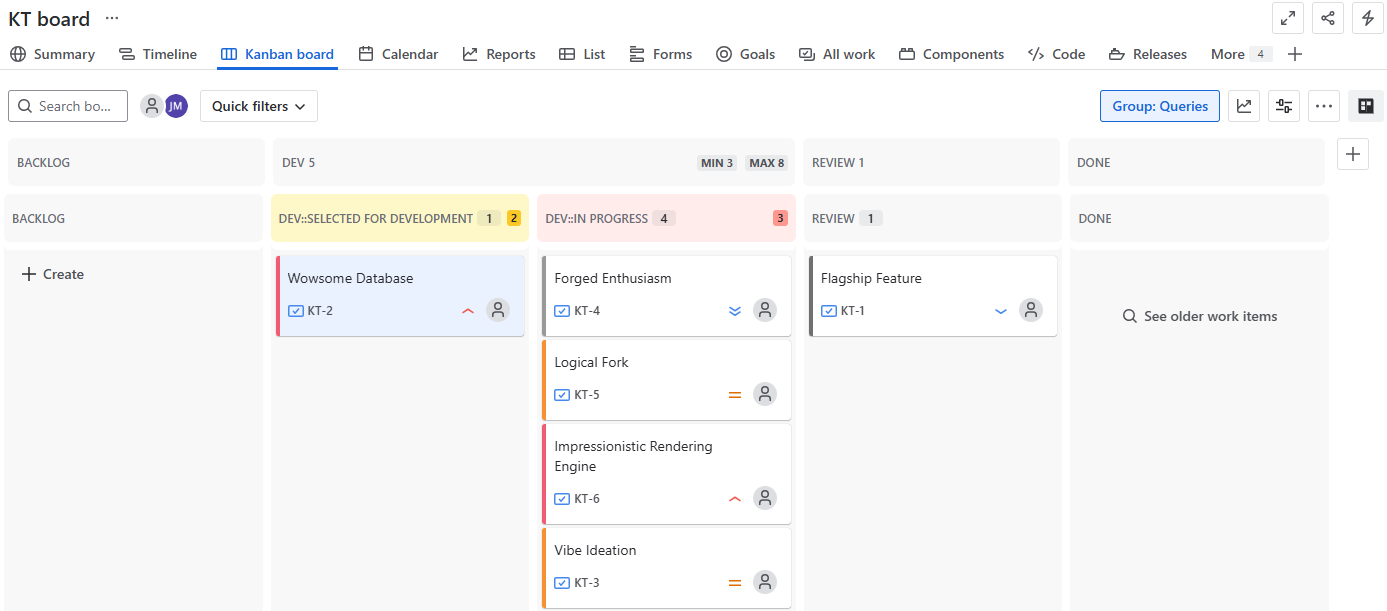
Kanban Combined WIP has the added benefit of making card colors more obvious. You will no longer need to squint to understand whether that card ribbon is light orange or yellow!
The configuration of card colors happens natively in the Board Settings, as indicated in the Atlassian documentation. Suffice it to say that you can choose whether you want to add colors based on Work Types, Assignee, Priorities, or Queries.
Once you’ve activated your colors in the board settings, return to the board.
Next, click the “Card Colors” check in the “Kanban Combined WIP” toolbar.
Welcome to a more colourful Jira!