
Install the App
There are two paths to locate and install the app:
-
From the Atlassian Marketplace
-
From the Jira Settings
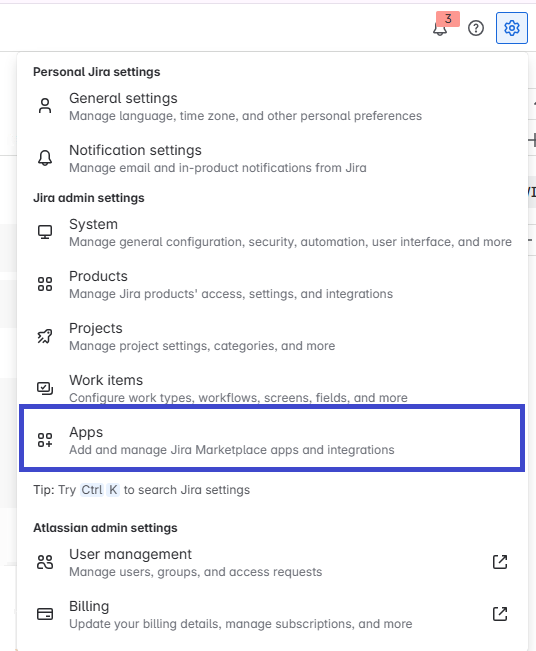
In both cases, admin privileges are required to install the app.
Once you reach the marketplace search, look for the app by its name (full name is Support Admin Tools & Announcement Banner for Jira Cloud) and click on it.
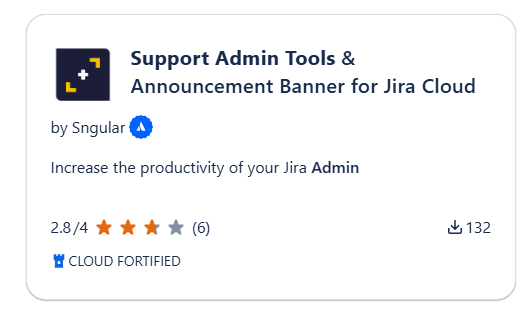
Once inside the listing, click on install and wait for the app to be ready. It will only take a couple of seconds!