
The initial screen you see when accessing Shared Estimations for a Jira issue depends on whether the designated Jira "Story Points" field already contains a value.
Scenario 1: No Existing Estimation - Selecting a Method
If the Jira "Story Points" field is empty and this is the first time you are estimating this issue, you'll see this screen.
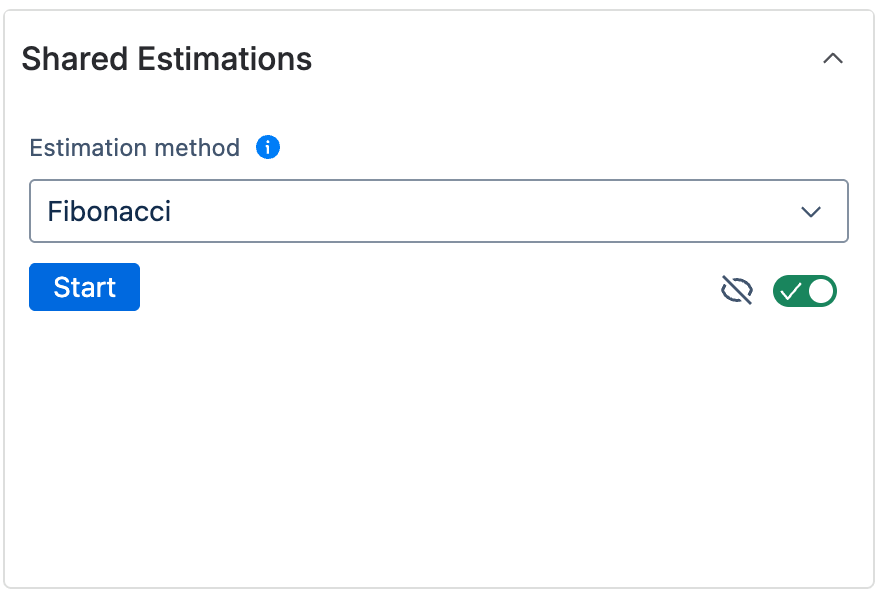
This screen presents several options to configure before starting the estimation:
Estimation Method
Choose an estimation method from the dropdown menu.
-
Some options are Dynamic Methods, where participants propose their own numerical value instead of selecting from a predefined list. These require additional input when starting the estimation:
-
Fist to Five: If selected, the estimation owner will be prompted to enter a proposed value (1-99) to initiate the discussion.
-
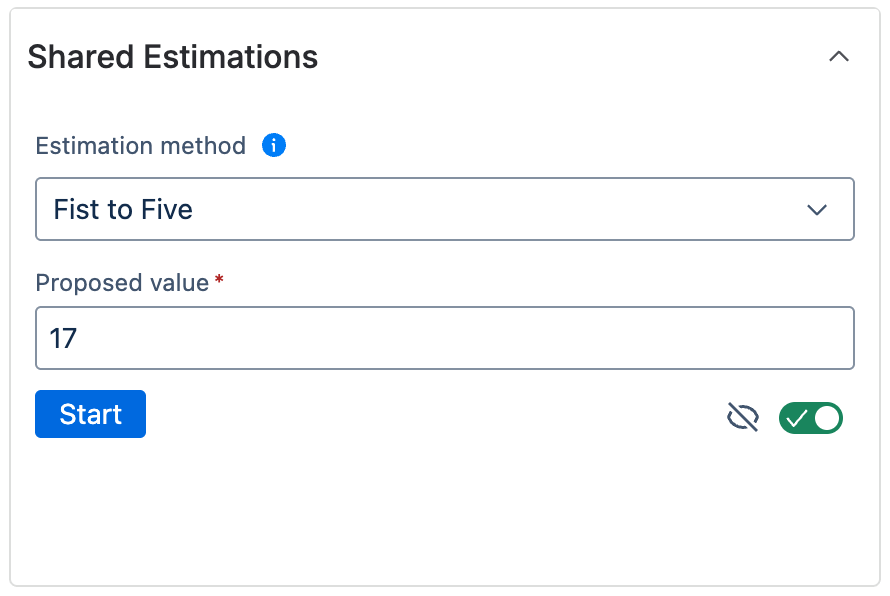
Fist to five method
-
Wisdom of the Crowd: If selected, the estimation owner will be prompted to enter four unique numeric values (1-99) as initial proposals.
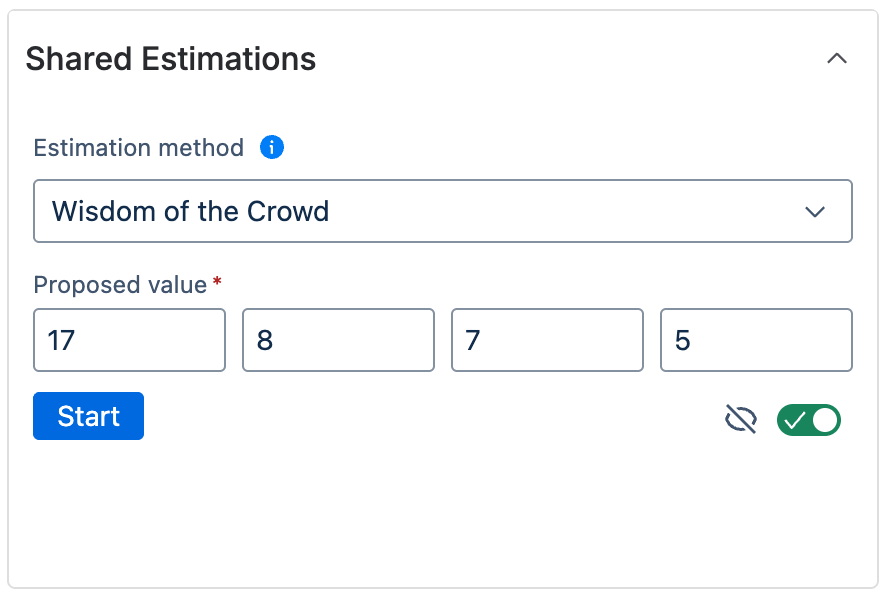
Wisdom of the crowd method
-
Estimation Anonymity Toggle
-
A toggle allows the estimation owner to choose whether the results of the estimation will be anonymous or non-anonymous.
-
Default: Estimations are anonymous by default.
-
Anonymous Mode:
-
Participants' votes are always hidden during the voting phase to prevent bias.
-
When the estimation concludes and results are displayed, you will see the distribution of votes and the list of participants, but individual votes will not be linked to specific participants.
-
-
Non-Anonymous Mode:
-
During the voting phase, participants' votes are always hidden to prevent bias (the same as in the anonymous mode).
-
When the estimation concludes and results are displayed, the specific vote cast by each participant will be shown next to their name.
-
-
Start Estimation
Once you have selected a method, provided any required input (for Dynamic Methods), and set the desired anonymity level, click the Start button to begin the estimation session.
Scenario 2: Existing Estimation Found
If the Jira "Story Points" field already contains an estimation value, you will see a screen like this:
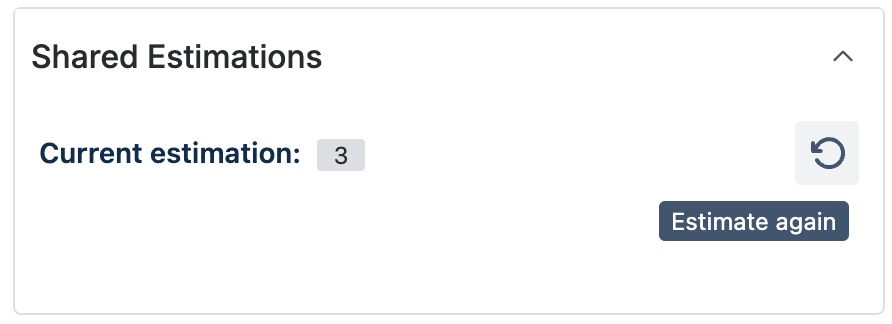
This screen displays the current estimation. To start a new estimation session, click the Re-estimate button.
Clicking Re-estimate will take you to the setup screen (described in Scenario 1) where you can select the method and anonymity setting for the new estimation round.