
Accessing Project Configuration
Jira administrators can configure Shared Estimations for their Jira instance by following these steps:
-
Click the cogwheel icon ⚙️ (Settings) located at the top right corner of your Jira instance.
-
Select Manage apps.
-
In the left sidebar menu, identify and click on the Shared Estimations section.
Selecting Jira Projects for Shared Estimations
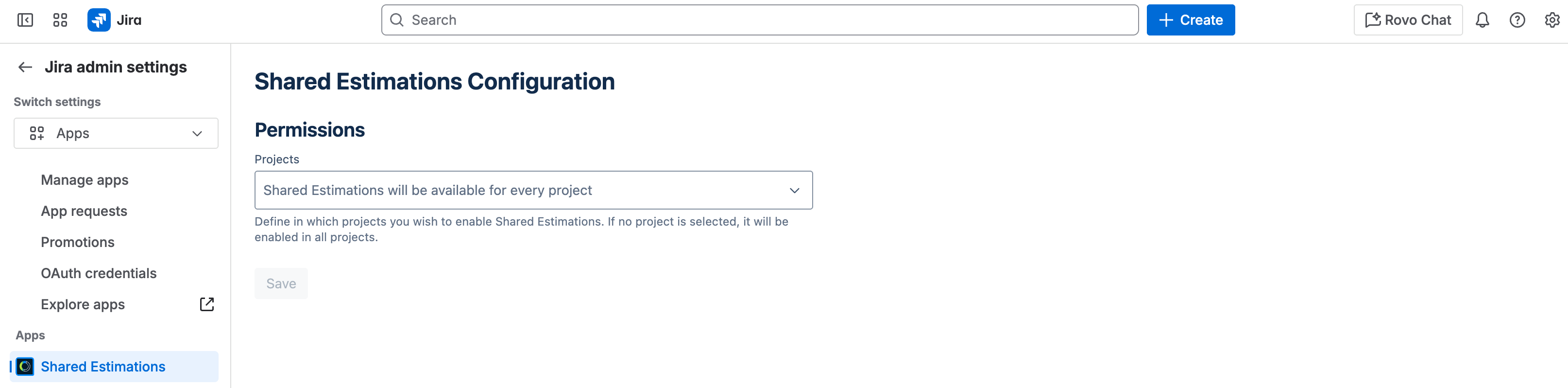
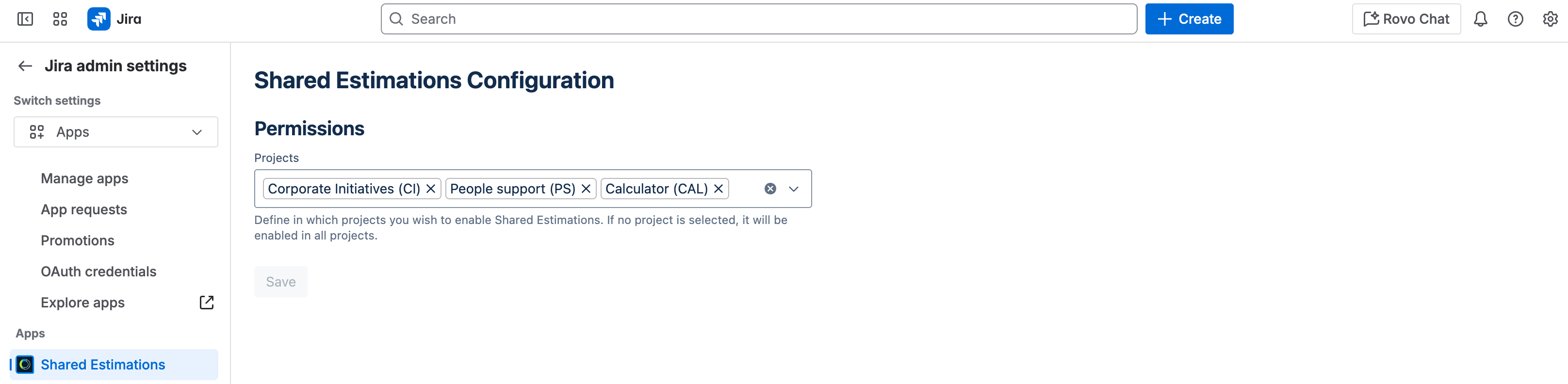
The configuration screen features a multi-select dropdown that allows you to choose the specific Jira projects where you want Shared Estimations to be active.
-
Selecting Projects: Click on the dropdown to see a list of your Jira projects. Select the projects where you want to enable Shared Estimations.
-
Applying to All Projects: If the multi-select dropdown is left empty, Shared Estimations will be available and will run on all Jira projects within your Jira instance.