
Usage
Usage
This addon add a special button on top right
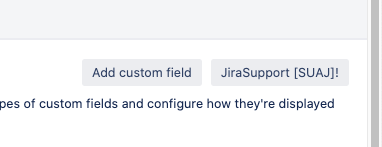
This button is provided in :
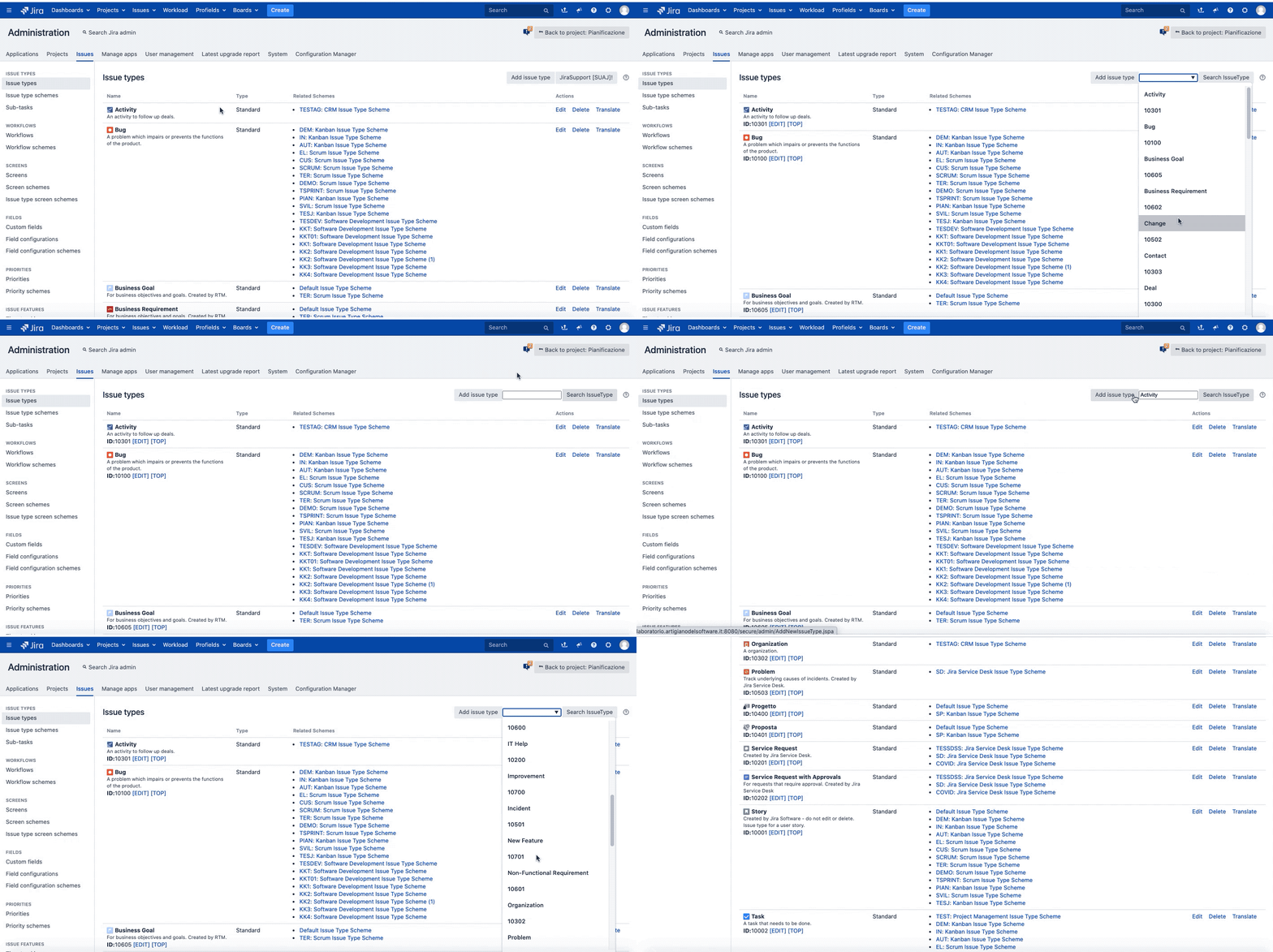
Issue type
We can search quickly own issue type and reference information we need.
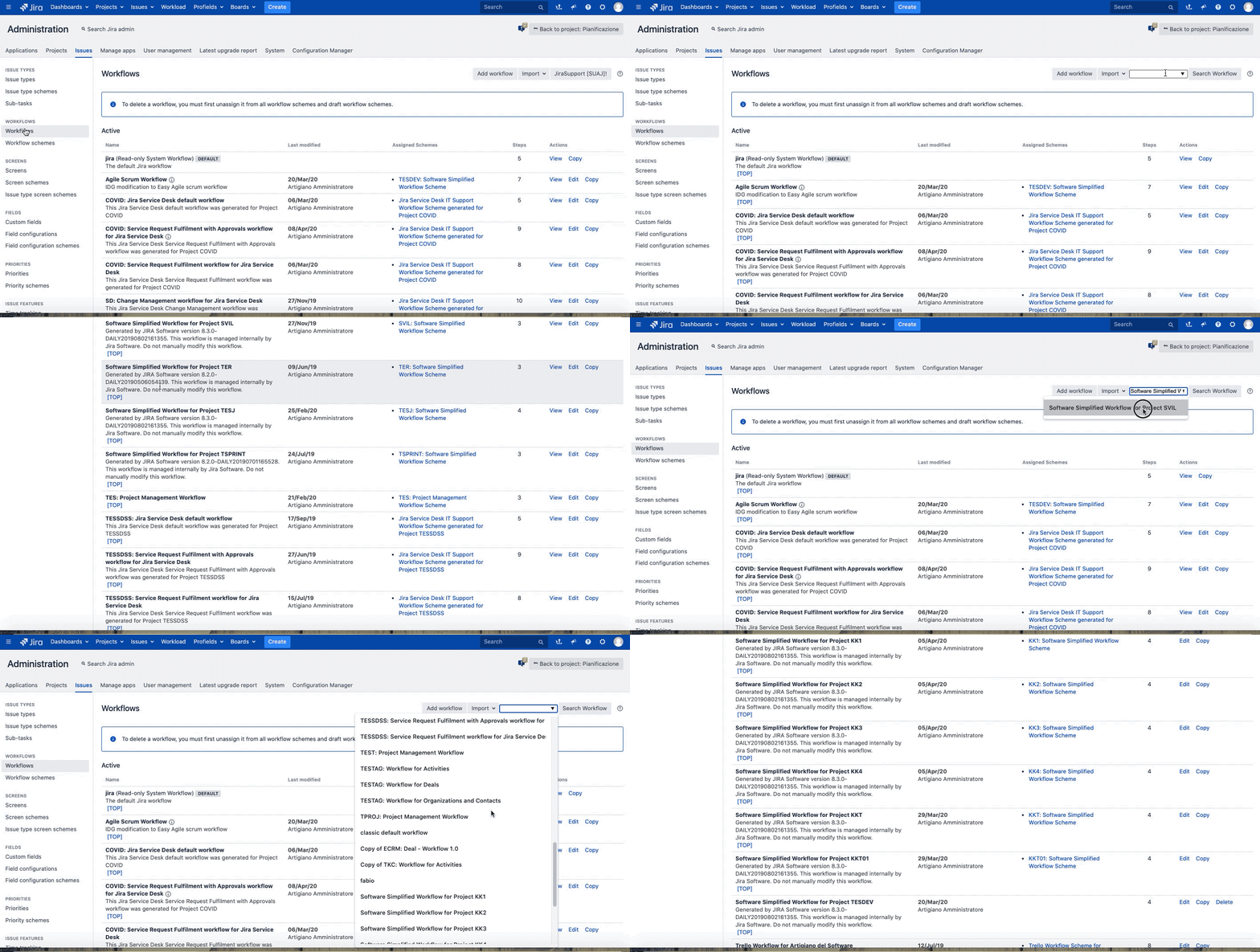
Workflow:
we can search own workflow
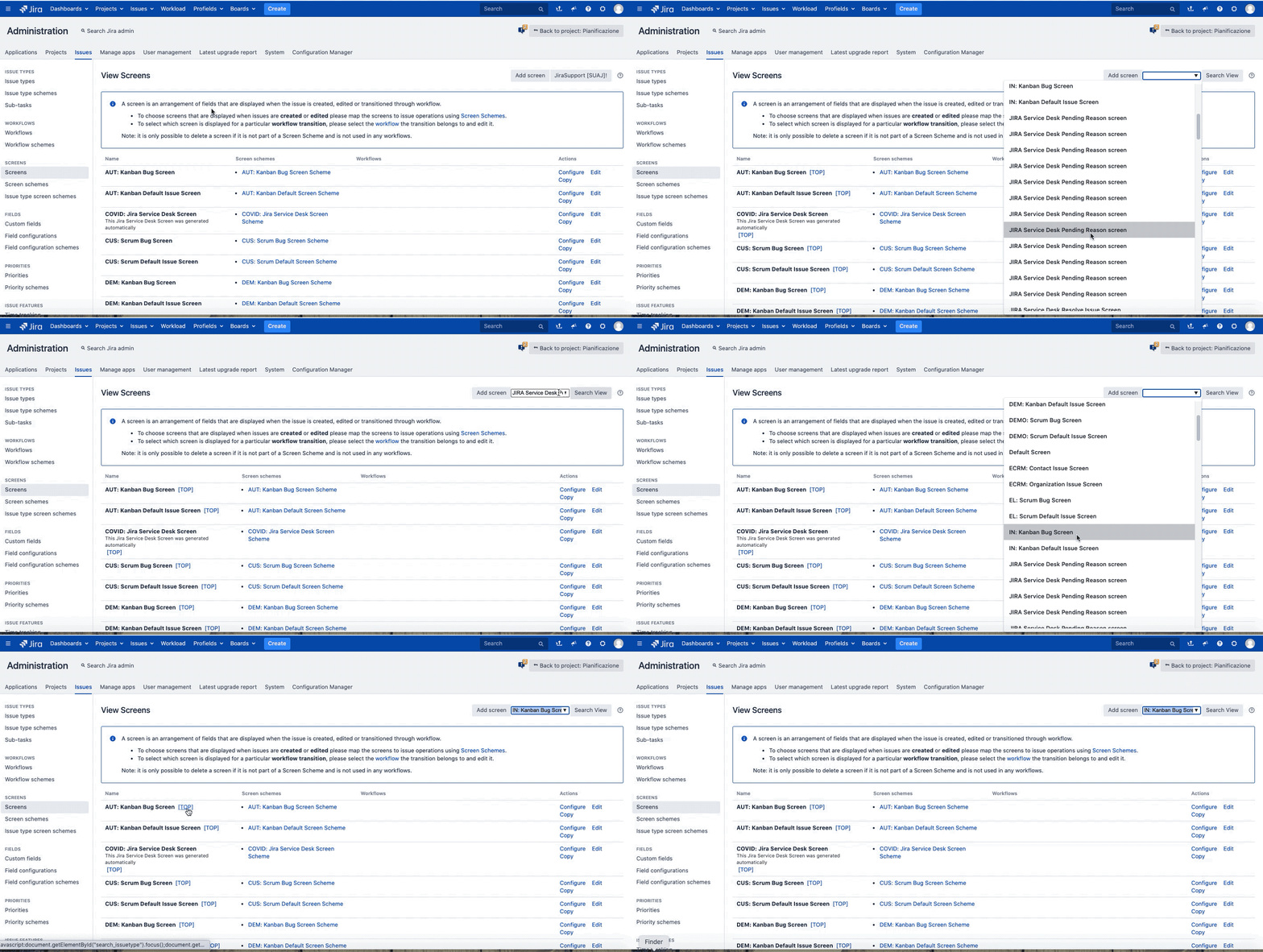
Screen
The same operation is possible for screen too
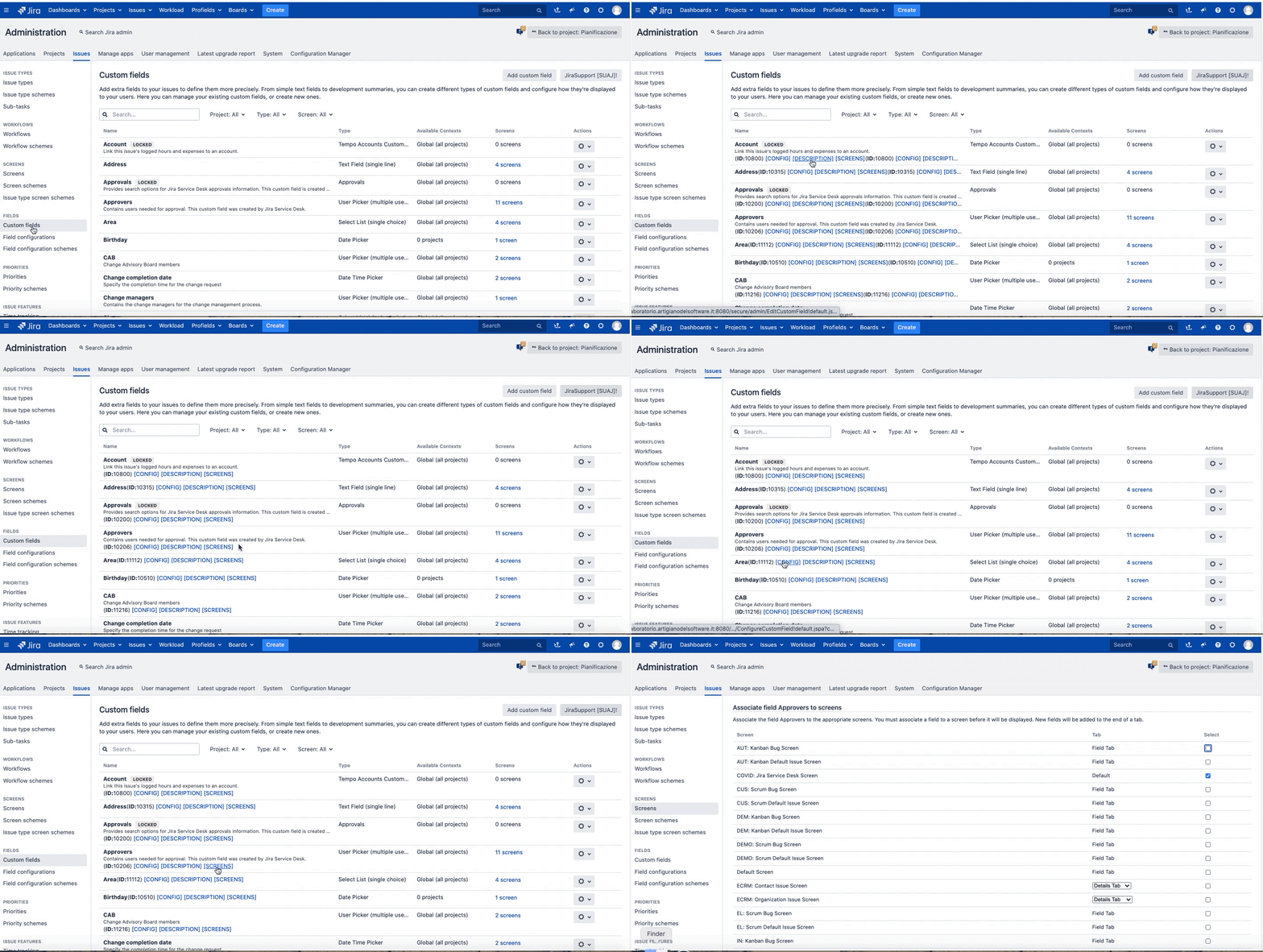
Fields
In this case, addon adds quick link to each field for quick reference every action.
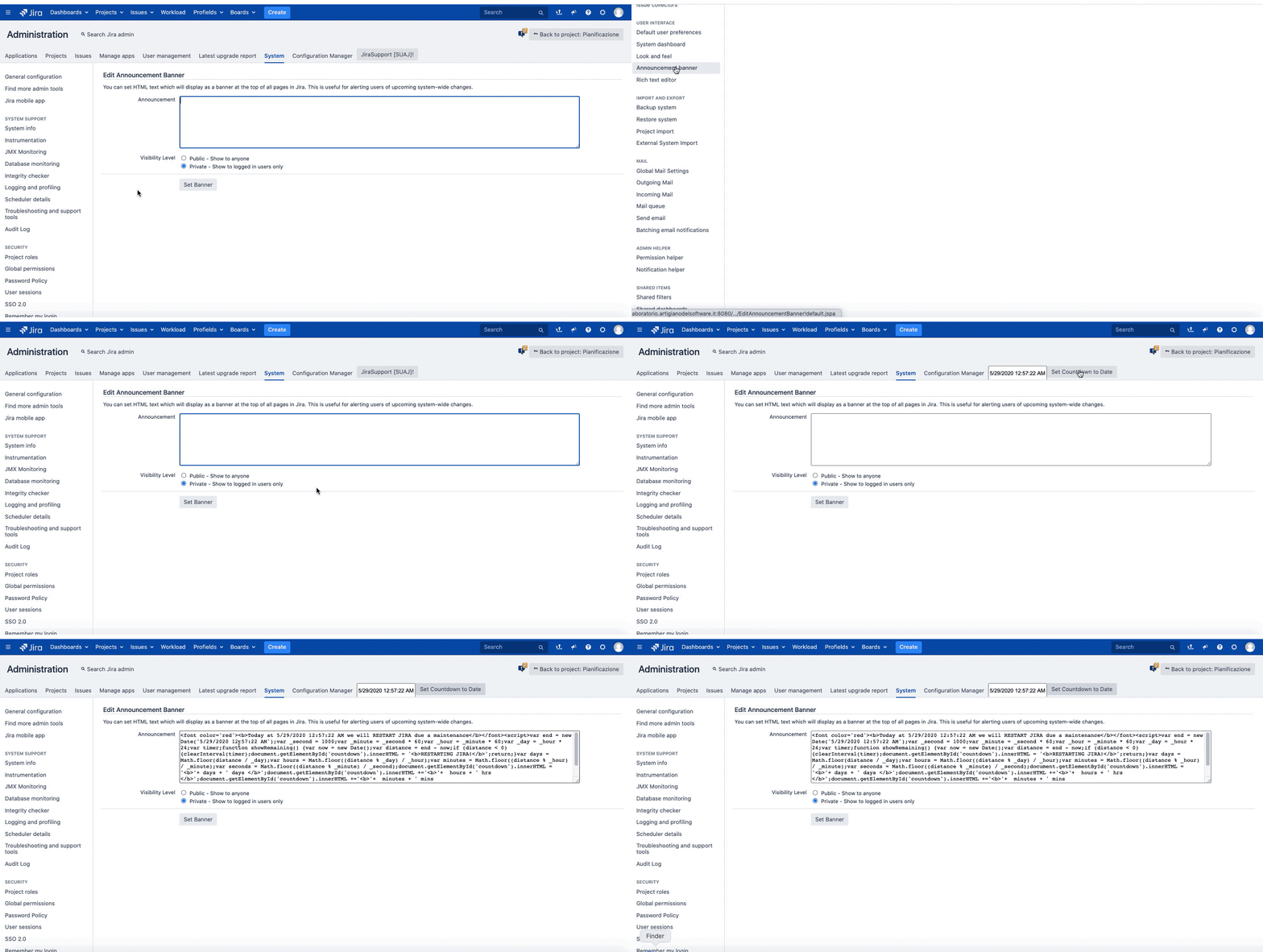
Banner
This addon add a special feature for Banner. We can set a countdown with few click.
Most important features
Another important feature of this addon is the possibility of copy/paste contexts of Custom Fields. It’s very easy. Follow me and I will explain all secrets
😀
This GIF describe how arrive to the right Jira configuration page ( New UI experience change all )
😛
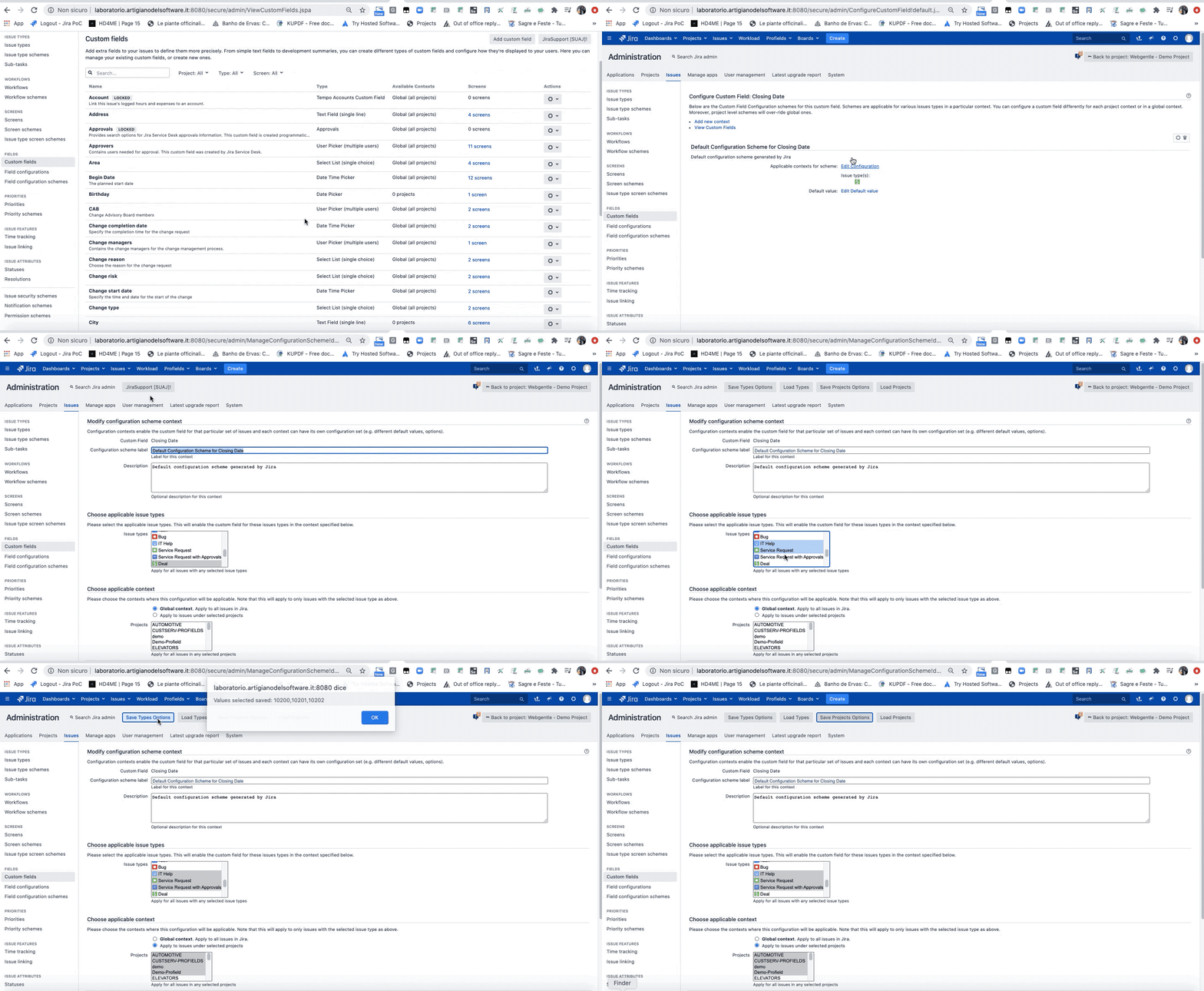
As we see, Addon add new functionalities after click the button: JiraSupport

-
Load Projects
-
Load Types
-
Save Types Options
-
Save Project Options
-
Once select the new configuration, just Save Type Options and Save Project Options to save (See the previous GIF).
Another great features is a great help for Workflow migration. Let me explain. If you change the Workflow Scheme, out-of-the-box wizard list all issue type, also issue type not used or involved in migration.
The following youtube video describe the result:
Well, using addon we can reduce the list of issue type to only involved in migration. So we can be focused in real work. This is a great result.